Freshchat was Freshworks’ next-generation messaging product for sales and support teams. A simple conversation on a customer’s website depended on a much broader system: an agent inbox, customer context, campaigns, bot configuration, and account settings. The team needed to bring those pieces together and launch within six months in a market served by Intercom and Drift.
I led a four-designer team from initial concepts through launch and contributed front-end interaction work. We shipped the planned product on time, with a reported engagement increase of more than 80% compared with agents using Hotline. Freshchat’s reported revenue later grew from under $1 million to $5 million over two years as the product continued to develop.
Role
Head of Design & Front-End Developer
Duration
6 months to launch
Team
4 designers, with Product Owners, PMs, and Engineering
Freshdesk was building its next-generation live-chat product for small and medium-sized businesses. The team brought experience from Freshsales CRM and Hotline, its mobile-app support tool. Freshchat needed to support both sales engagement and customer support.
The challenge was to make the web widget easy to install and the agent workspace intuitive to use, in a market already served by Intercom and Drift. With a tight launch deadline, I needed to keep the work moving across the design, product, and engineering teams.
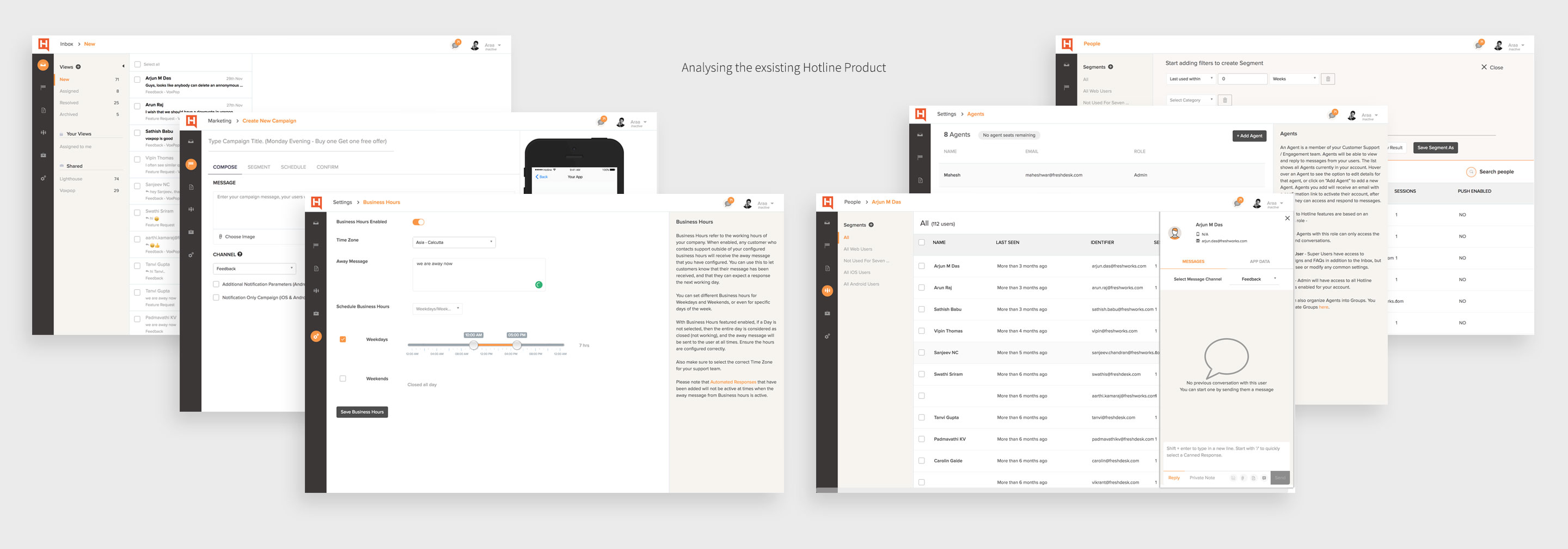
Hotline provided a starting point for understanding the earlier support experience.
Learn from the existing support experience
I analyzed Hotline and the wider system to understand user roles, information flow, and the problems agents faced. Its difficult user experience and visual treatment helped identify what needed to change in the new product.
That work clarified the personas and information structure. I treated the customer widget and agent workspace as connected parts of the same service: visitors needed an approachable way to start a conversation, while agents needed the context to respond without missing important lead information.
The decisions that shaped the product
01 / Web widget
Make the first conversation fit the website
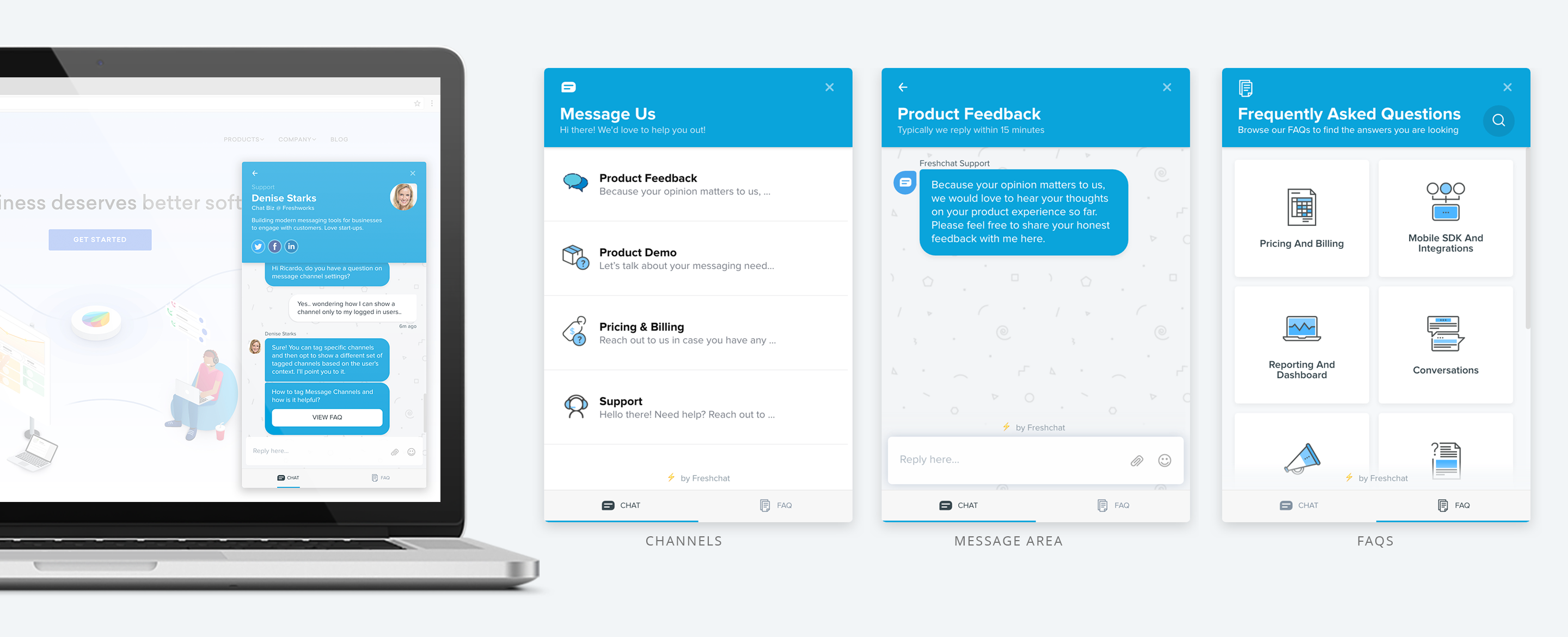
I began by wireframing the widget, the part of Freshchat that visitors would encounter on customers’ websites. It needed to help businesses acquire and manage leads while fitting a range of website themes.
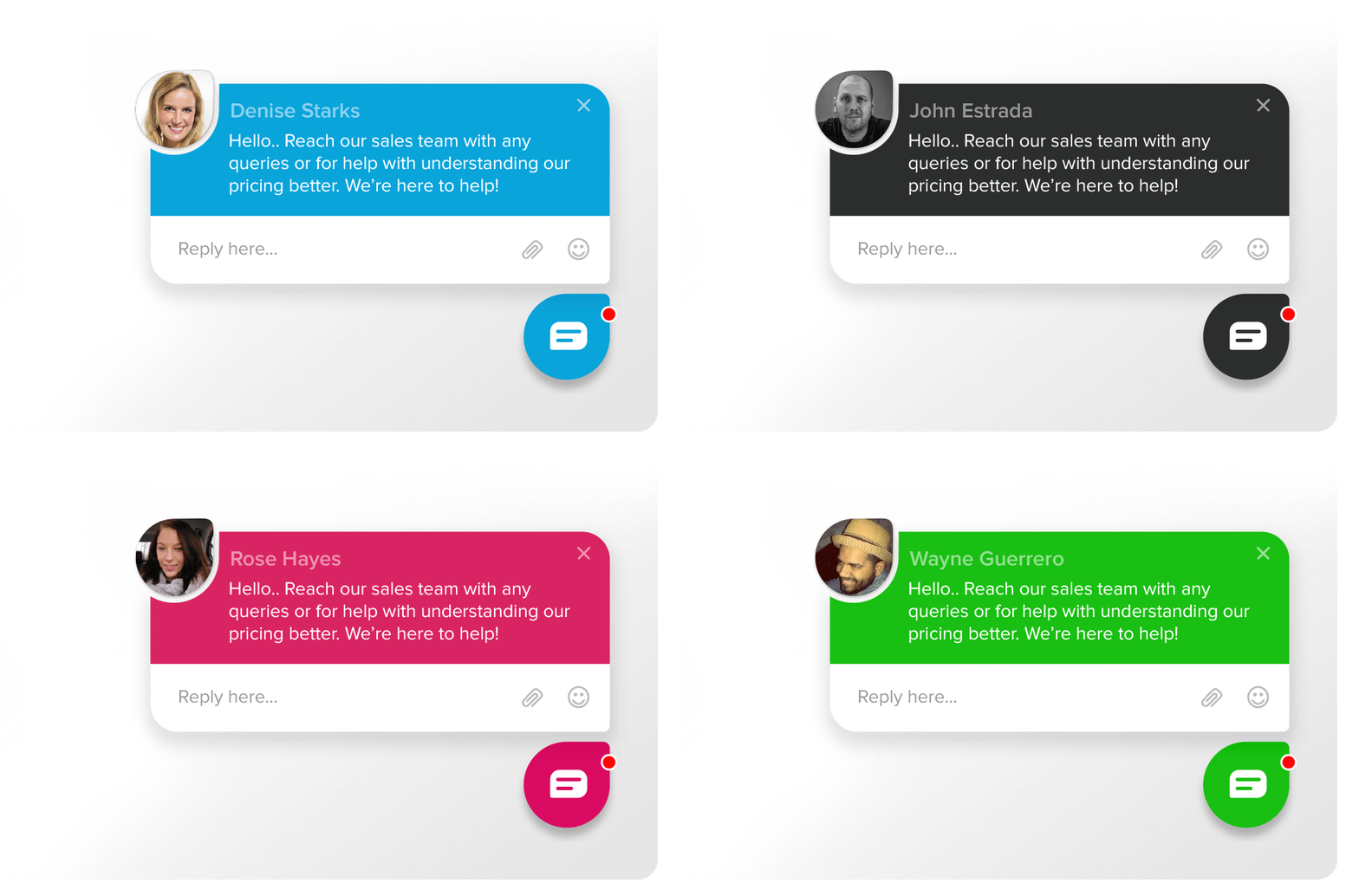
I chose a shape related to the product’s logo and a visual approach that could work across different sites. The widget had to feel like part of the host website while remaining recognizable as a conversation entry point.
The widget’s visual direction and placement on a website.An animated preview of the customer-facing widget.
02 / Agent workspace
Keep conversations and customer context connected
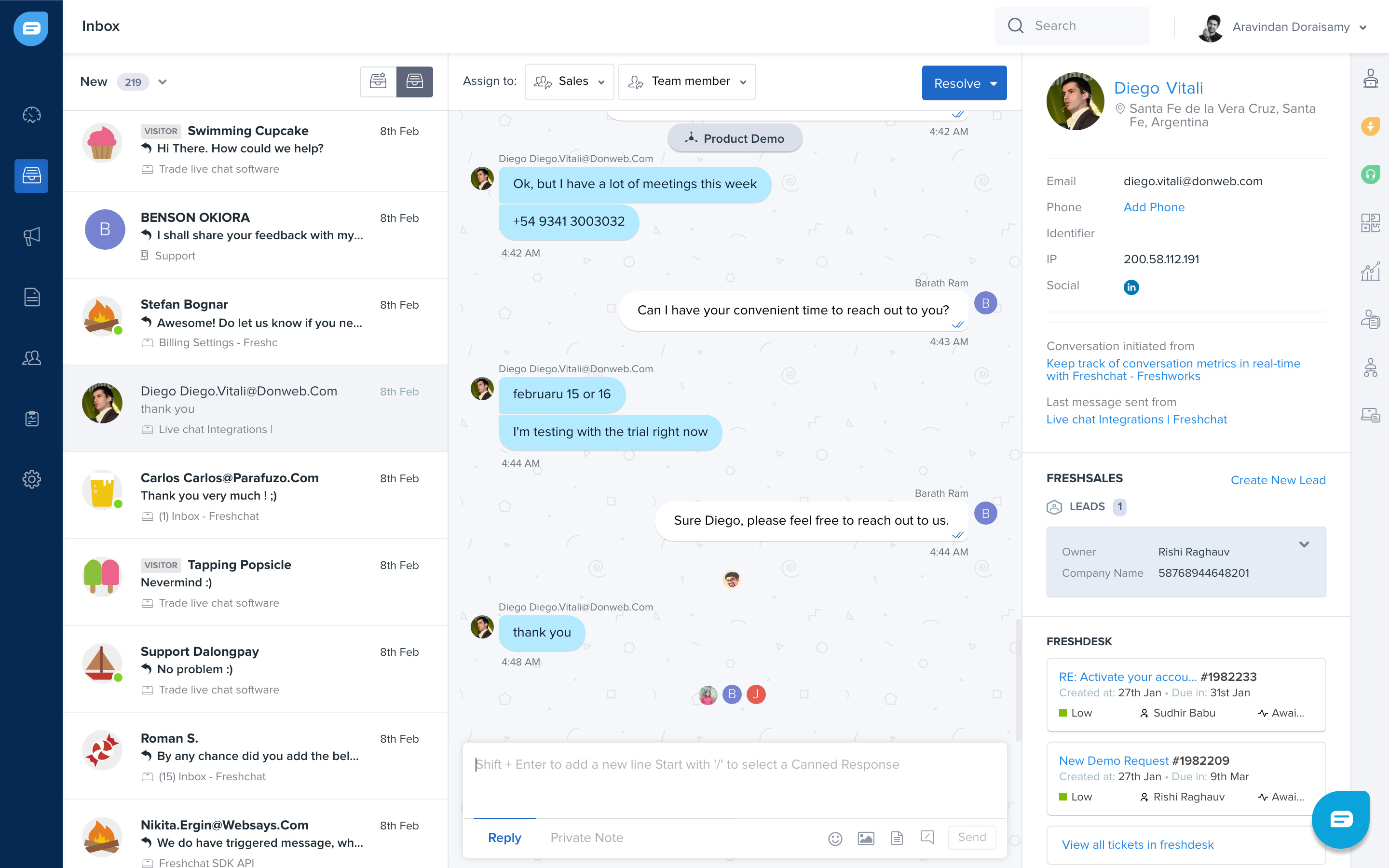
The admin panel was the larger information-design challenge. Agents needed to manage conversations without losing the lead information that made those conversations useful. I structured the workspace around the inbox, people, and customer details.
The inbox brings conversations into an agent workspace.
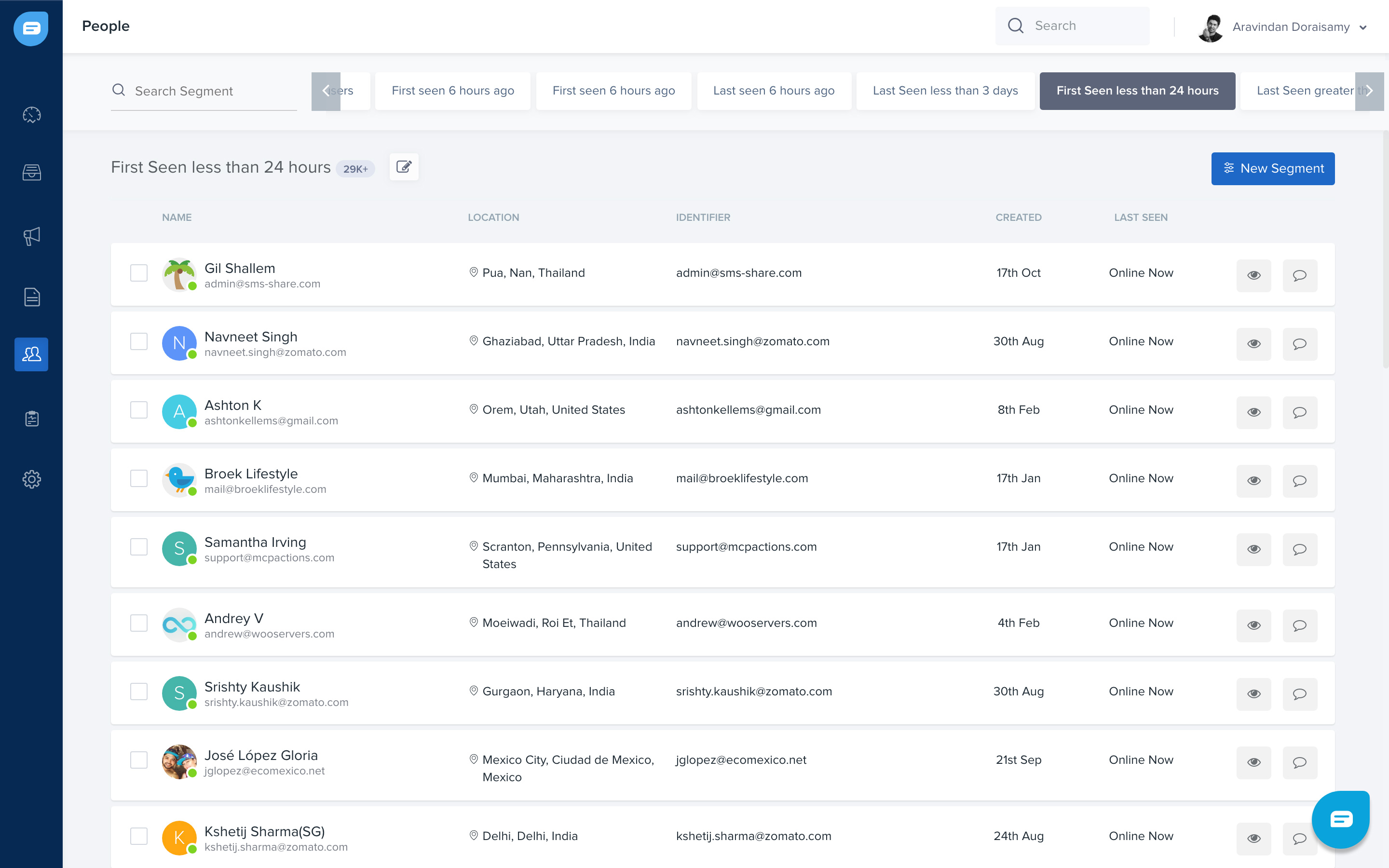
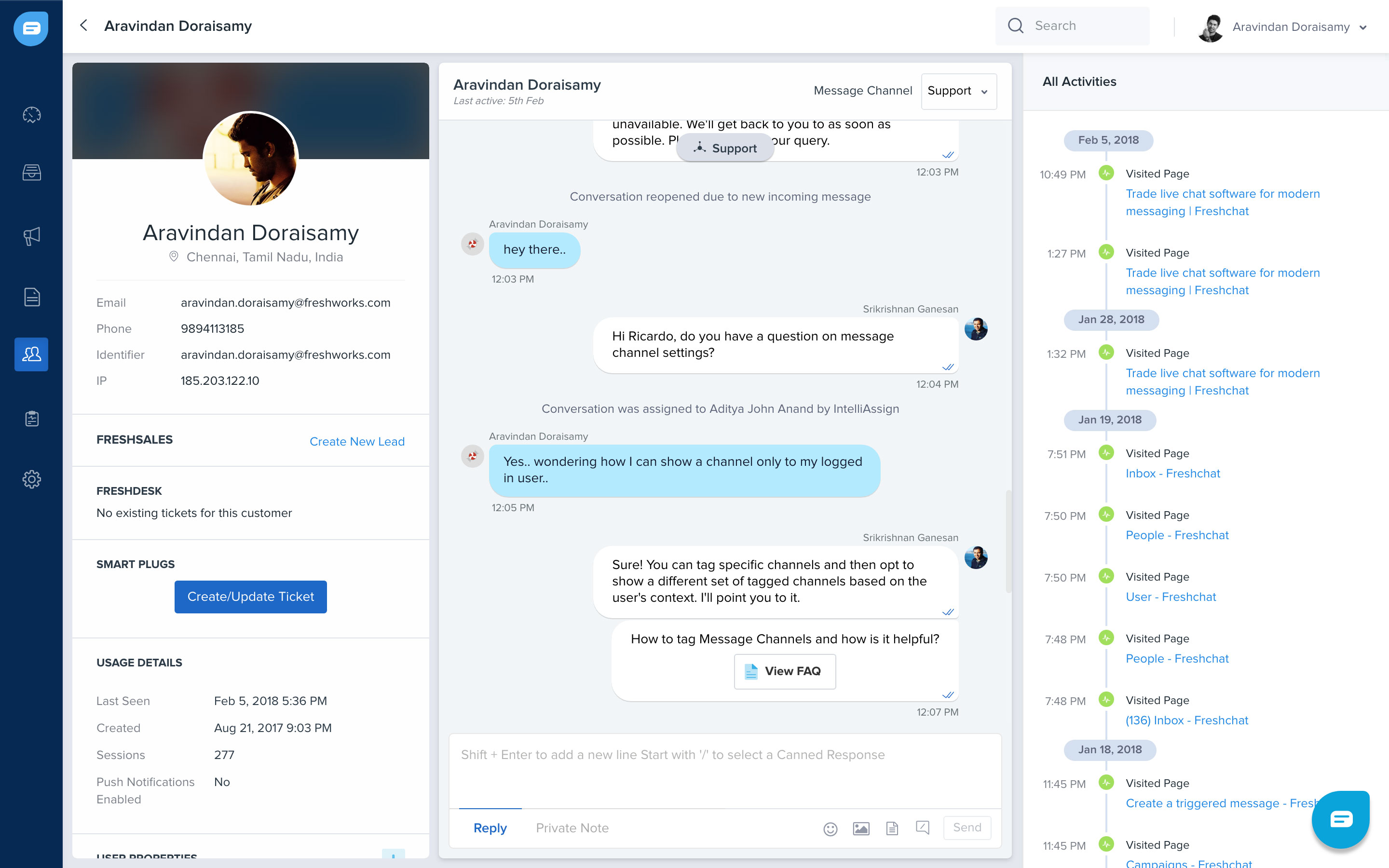
A people list for finding and reviewing contacts.Contact details provide context alongside customer activity.
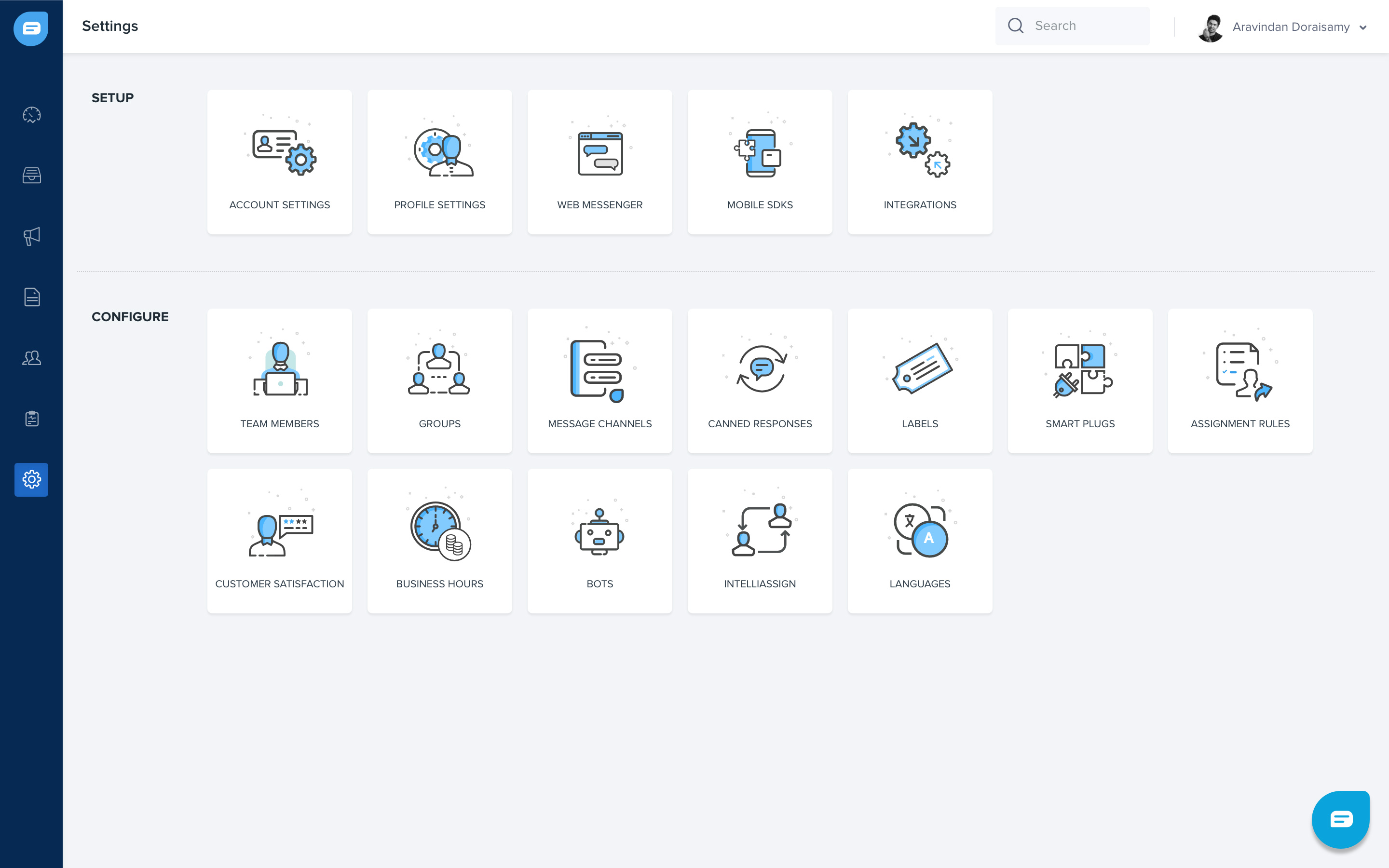
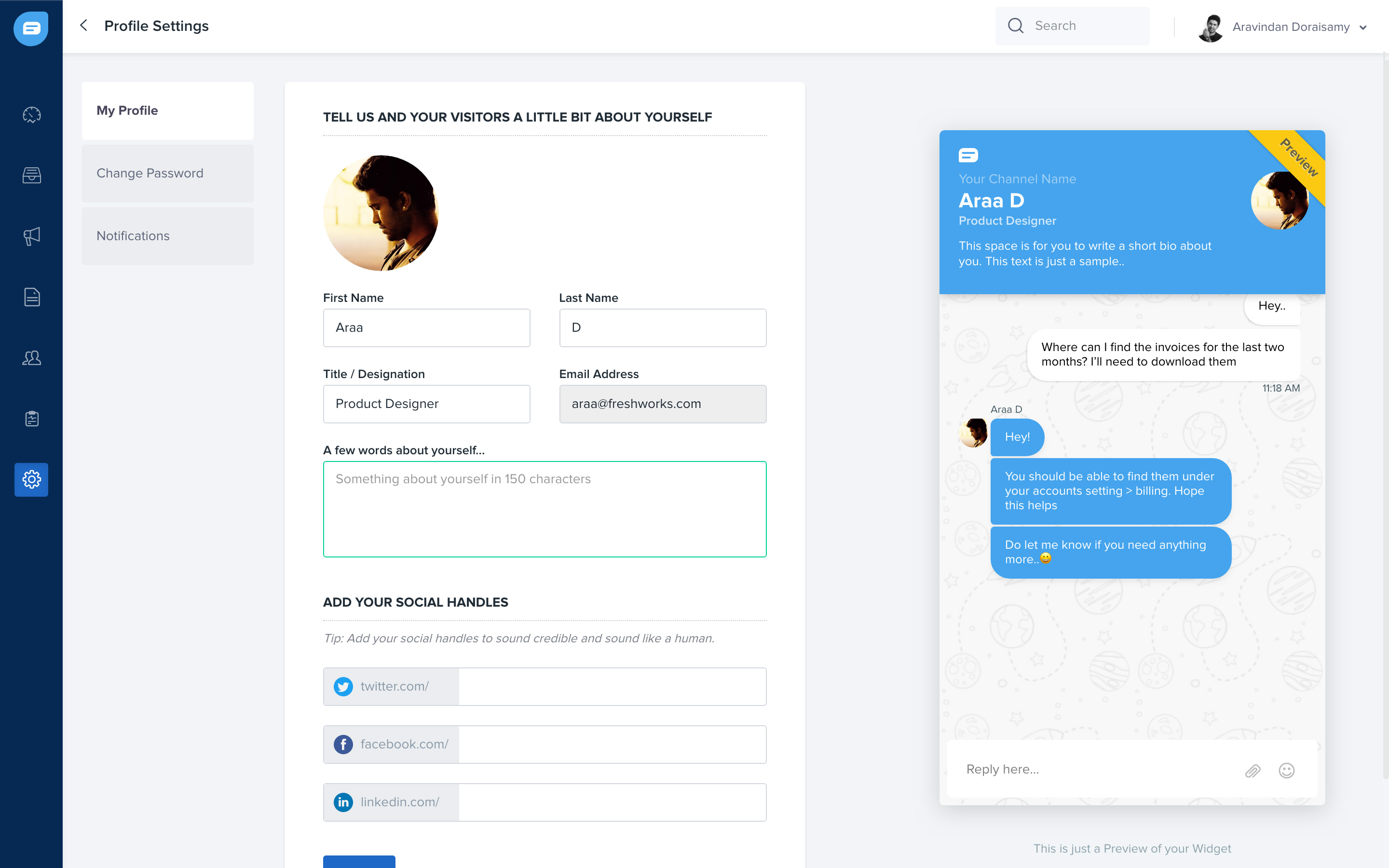
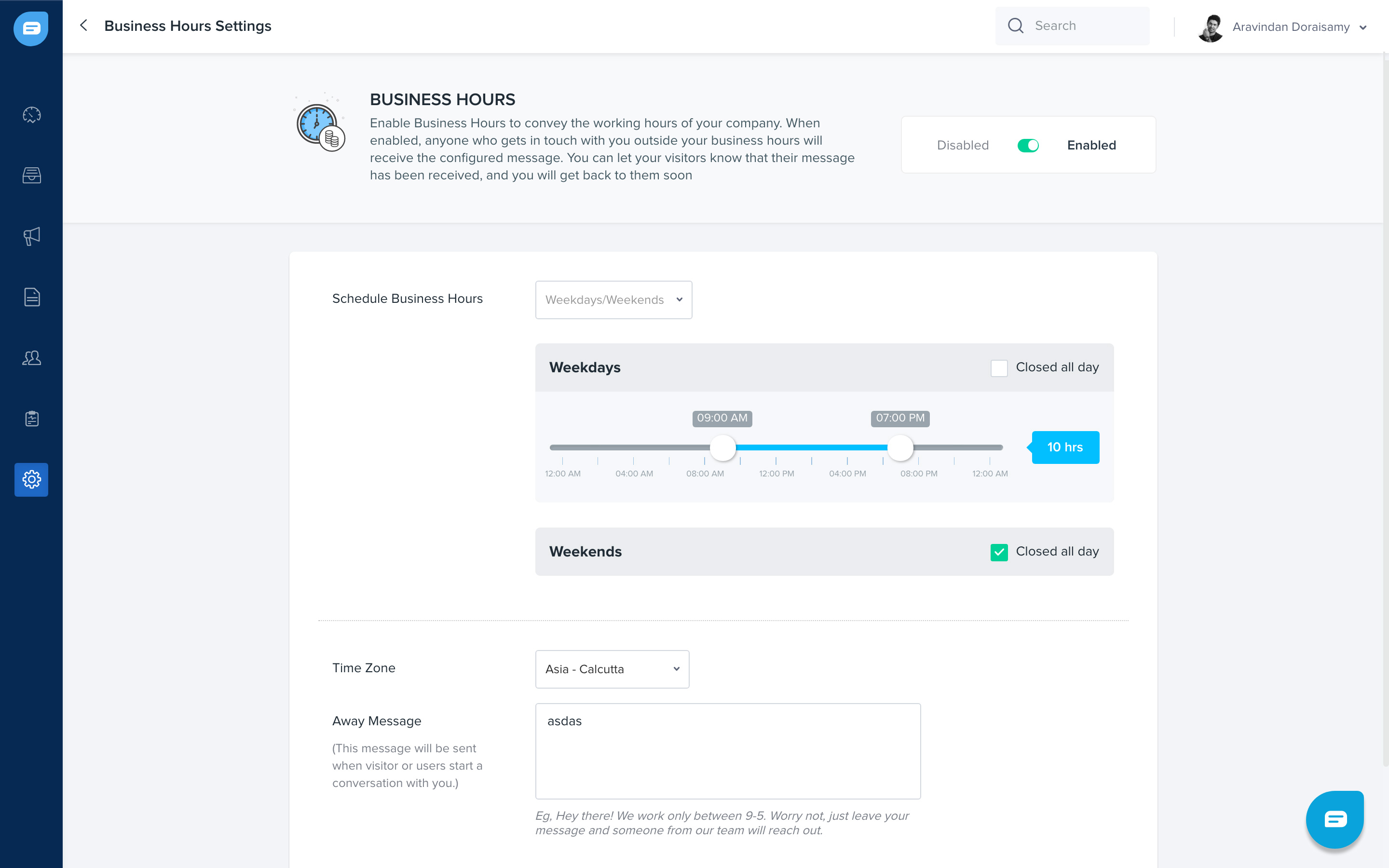
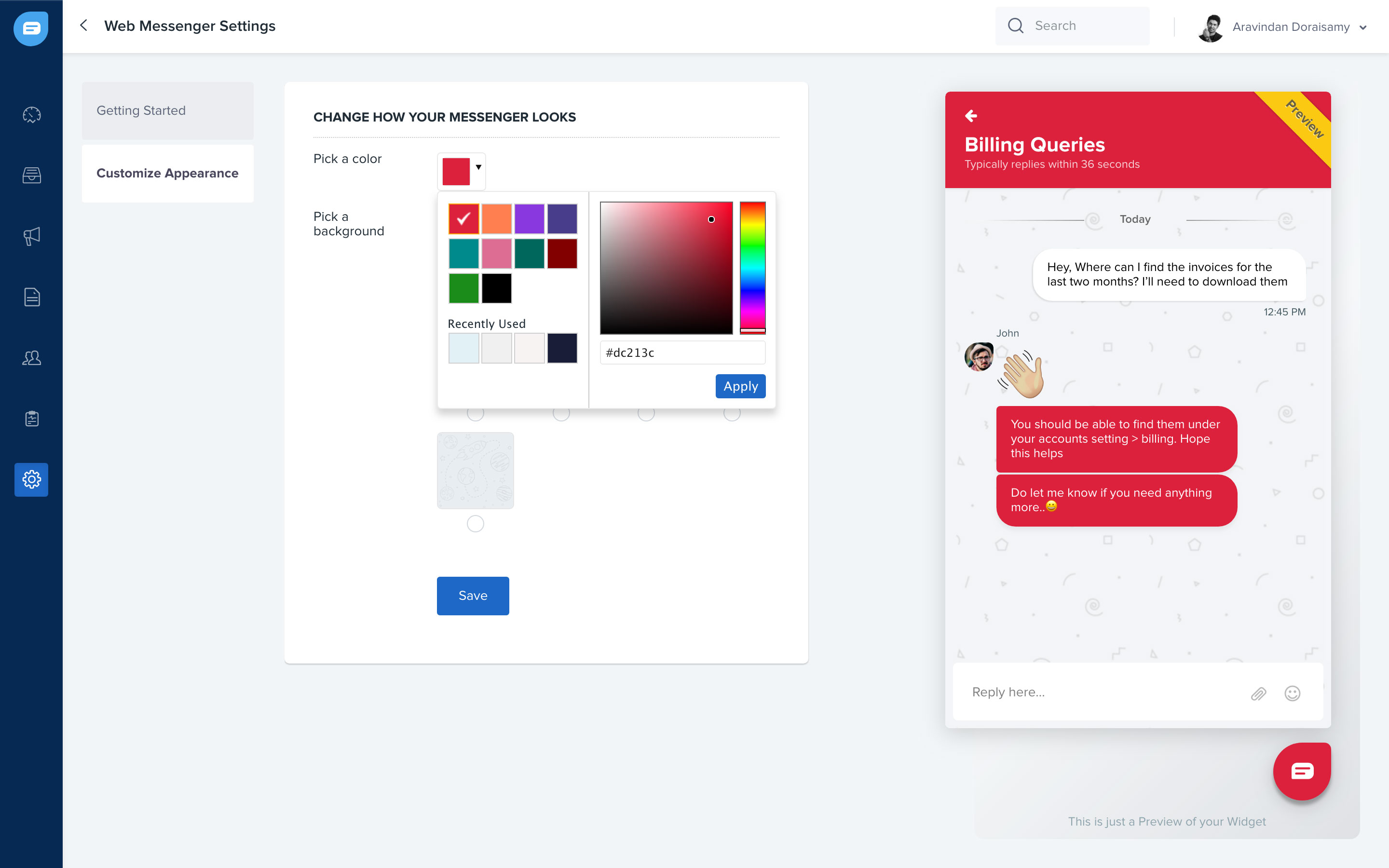
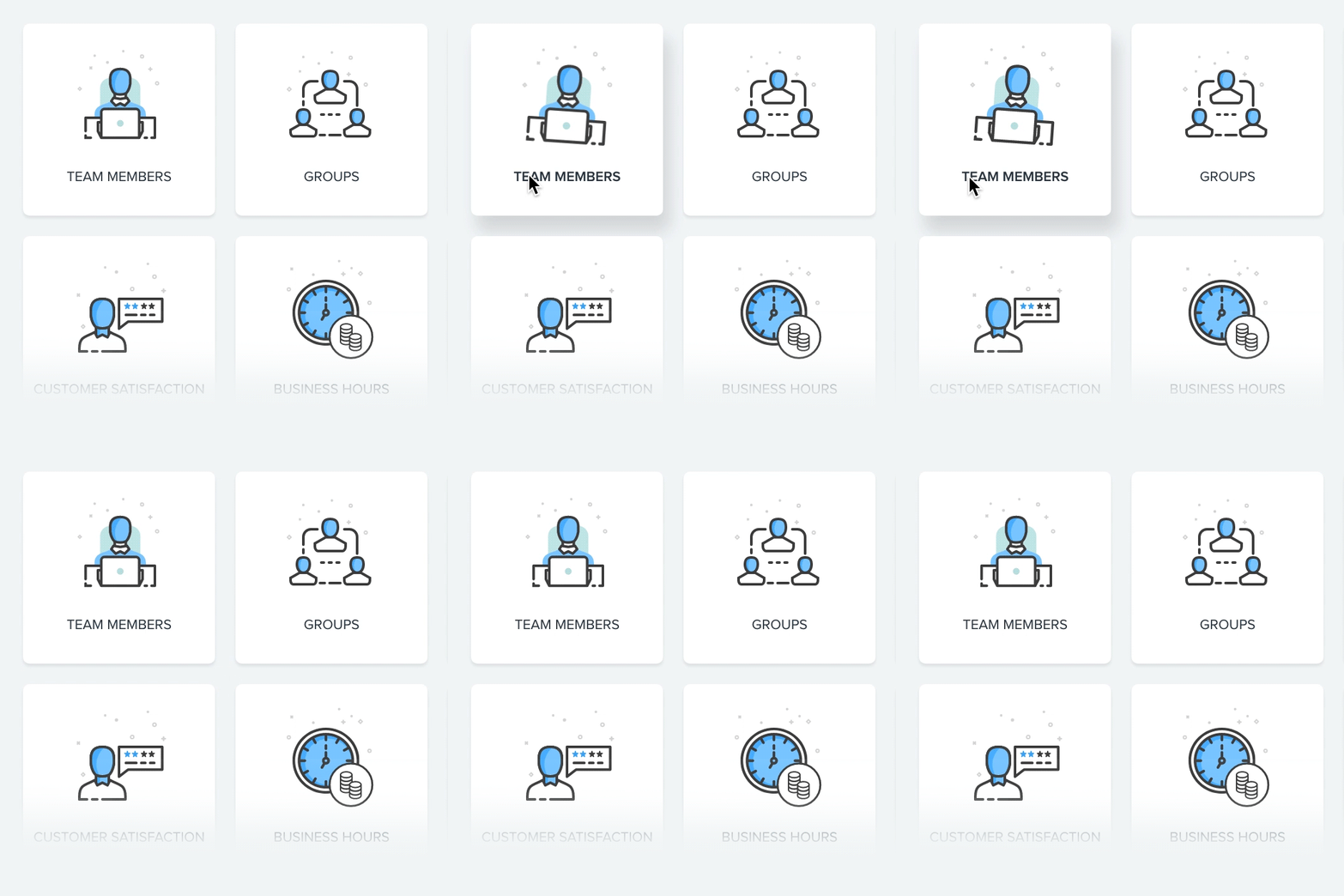
Configuration was part of the same experience. Settings covered agent profiles, business hours, and the widget’s appearance, giving teams control over how they presented themselves and handled availability.
The settings structure for configuring the product.
Widget customization connects account settings with the visitor experience.
03 / Campaigns
Make multi-level targeting understandable
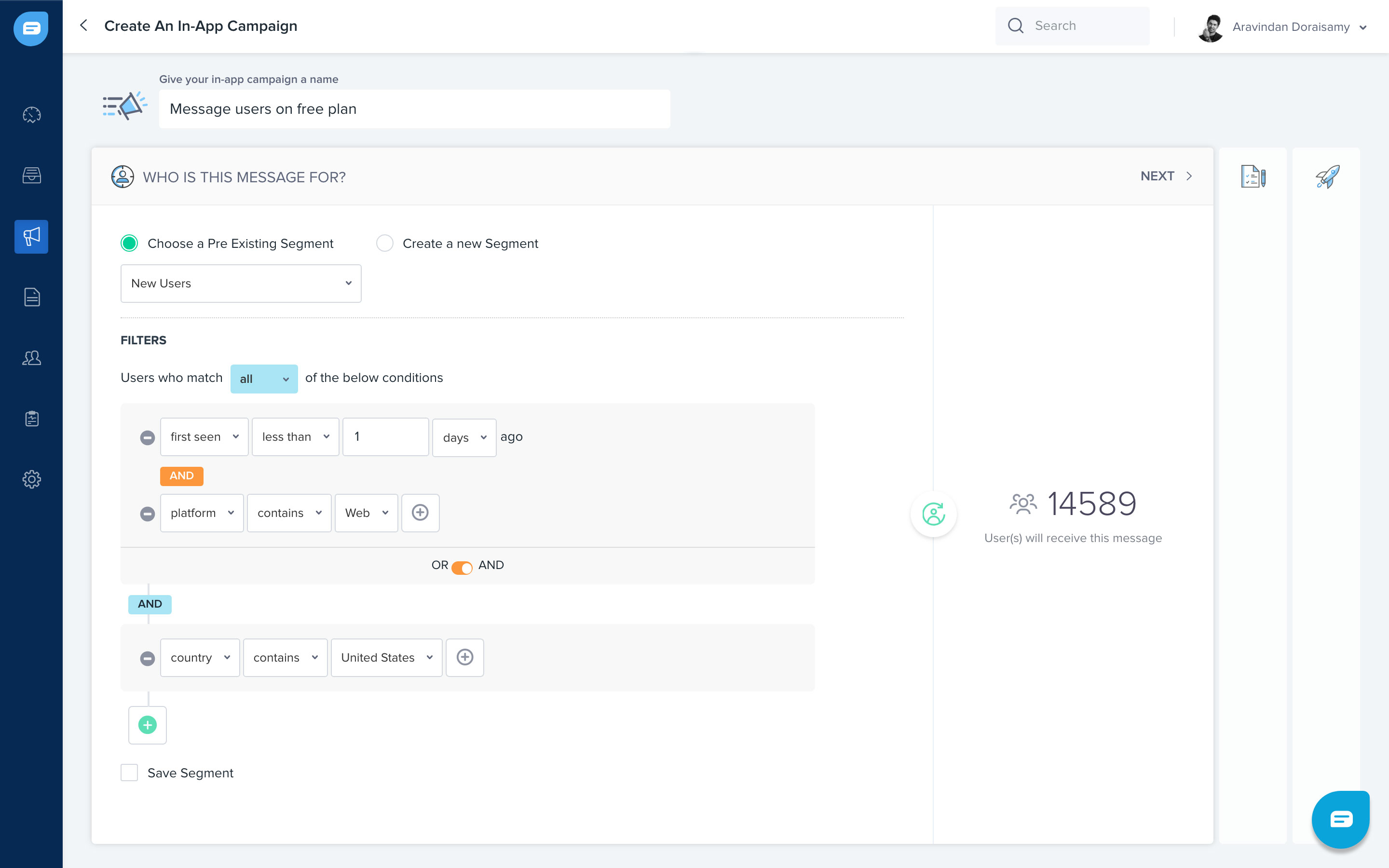
Campaigns helped businesses acquire and engage visitors on their websites. The difficult part was letting teams combine segmentation conditions without needing assistance to understand the setup.
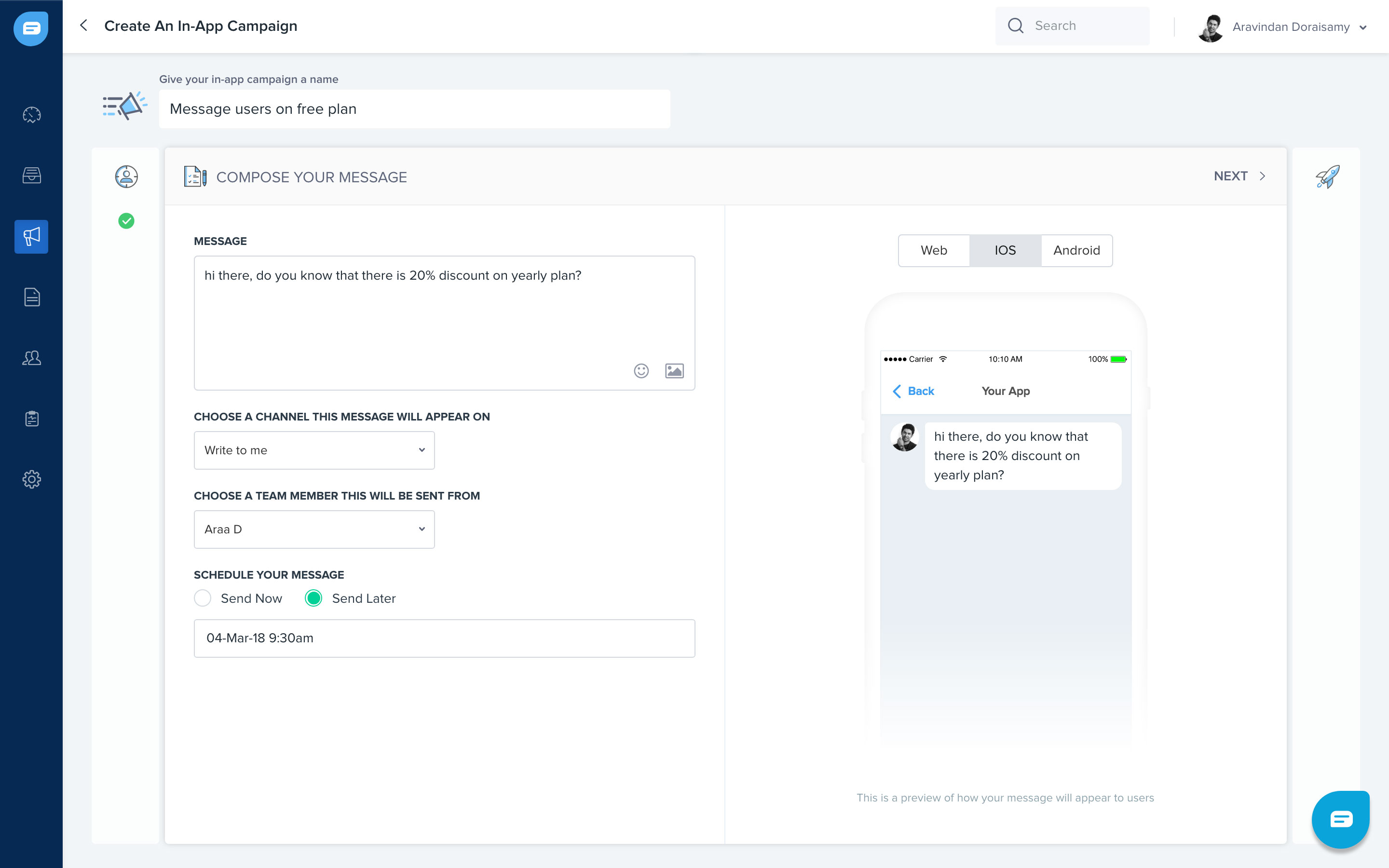
I designed the targeting interface to make those conditions easier to work through, alongside a message preview so teams could see what they were configuring.
Campaign segmentation and targeting conditions.A campaign message preview.
04 / Automation
Make bot configuration approachable
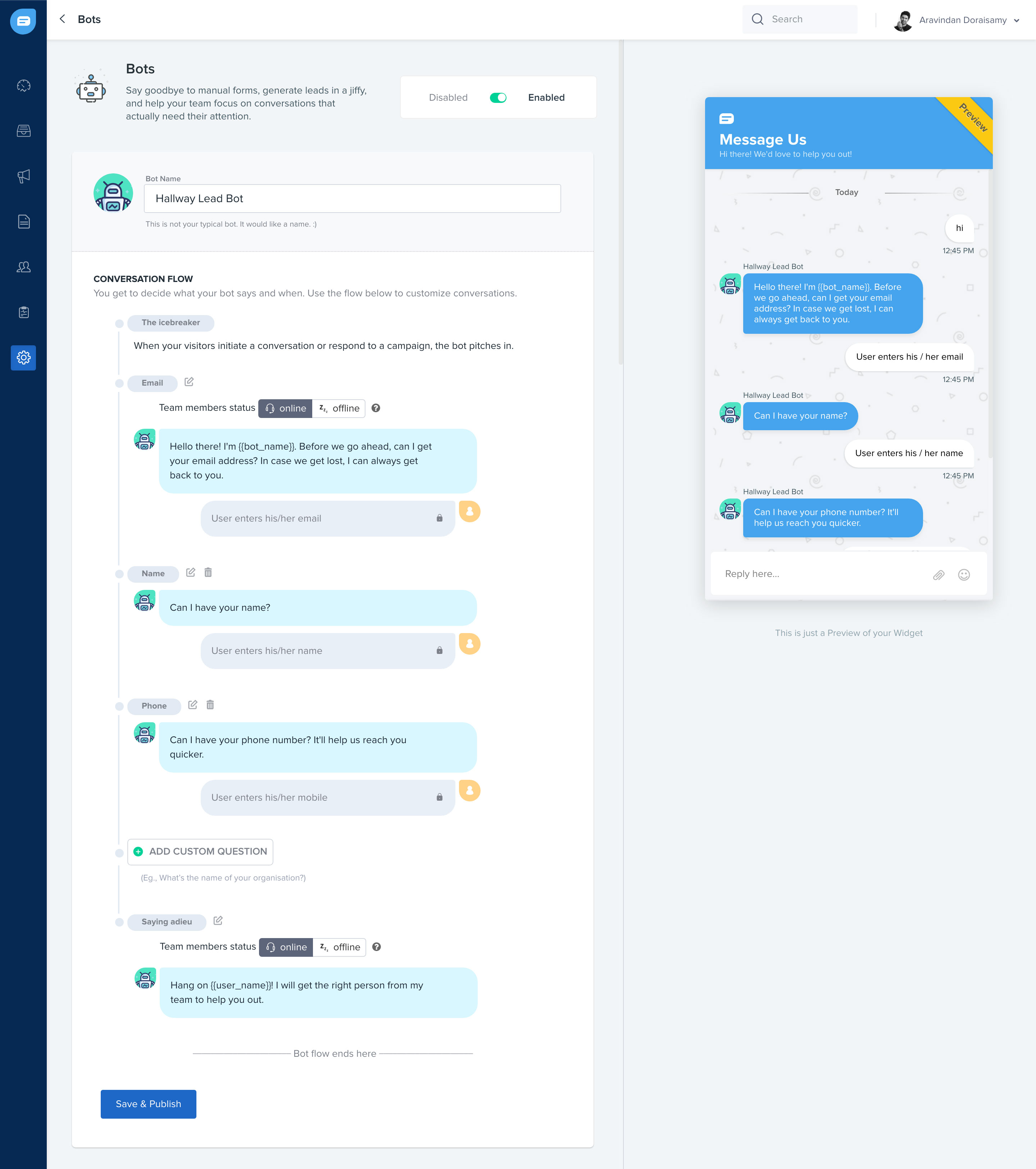
The work also included bot configuration. Bots could handle initial engagement and help teams focus on conversations that needed an agent. I designed the configuration interface to reduce the learning required to set one up.
The bot configuration interface.
Stay close to the implementation
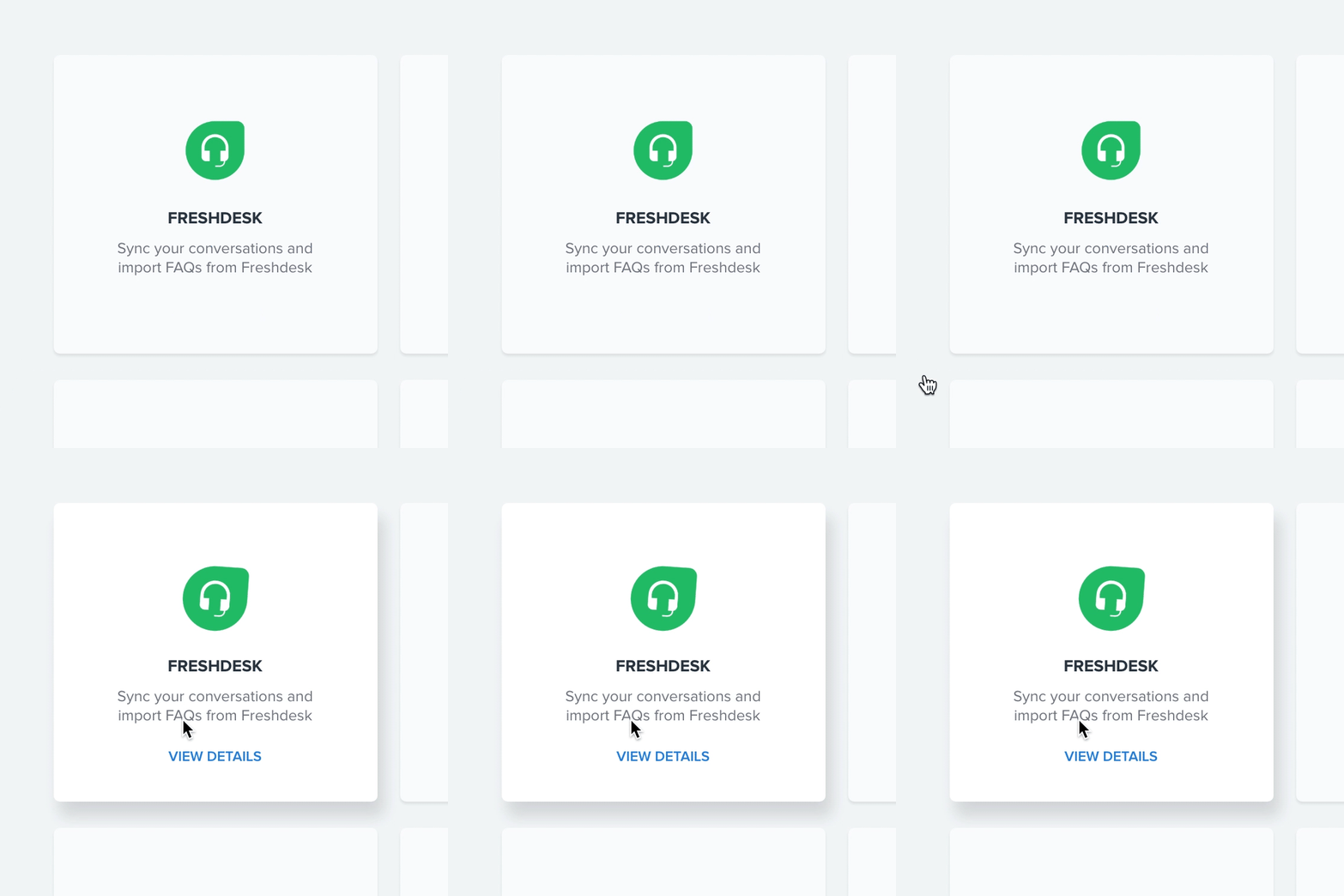
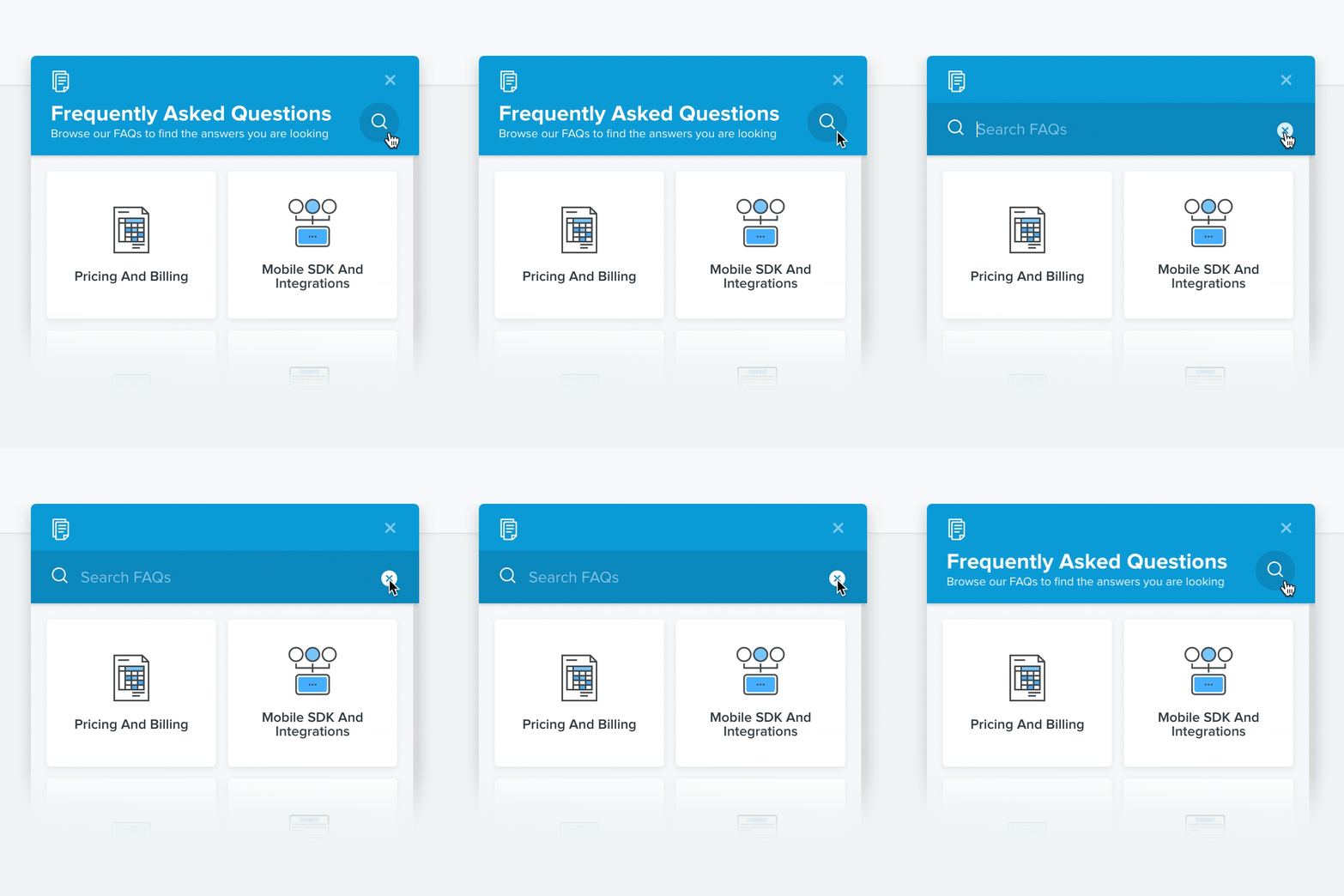
As a self-taught front-end developer, I worked on CSS effects and interaction details alongside the product design. Campaign launch, settings, integrations, and the widget’s FAQ were opportunities to make the interface feel responsive and give people feedback as they worked.
Campaign launch interaction. Play to inspect the behavior.Settings interaction details.
Integration interaction.FAQ interaction inside the web widget.
Launch and subsequent growth
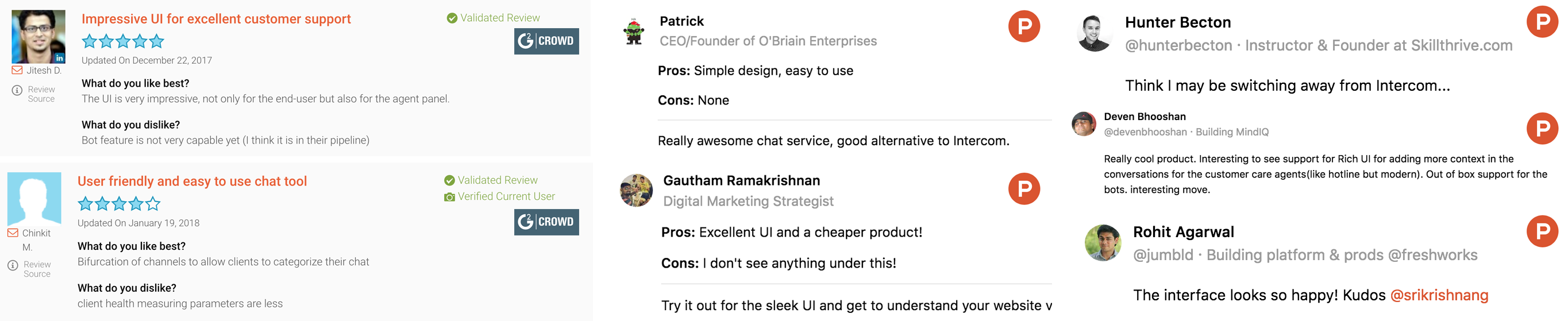
Freshchat launched on time with the planned features. Customer feedback, product reviews, and emails highlighted the usability and interface. The original project report recorded these outcomes:
>80%Reported increase in engagement compared with support agents using Hotline.
<$1M → $5MReported revenue growth over the following two years.
The original write-up also recorded a later milestone of approximately $30 million ARR. These are historical product outcomes across different periods, rather than results attributed solely to the six-month design project.